Capture, enrich, and manage media clippings

Import clippings from URLs, files, integrations, or manually. aclipp automatically extracts metadata, fills in tags and metrics with AI, and keeps everything organized across projects.
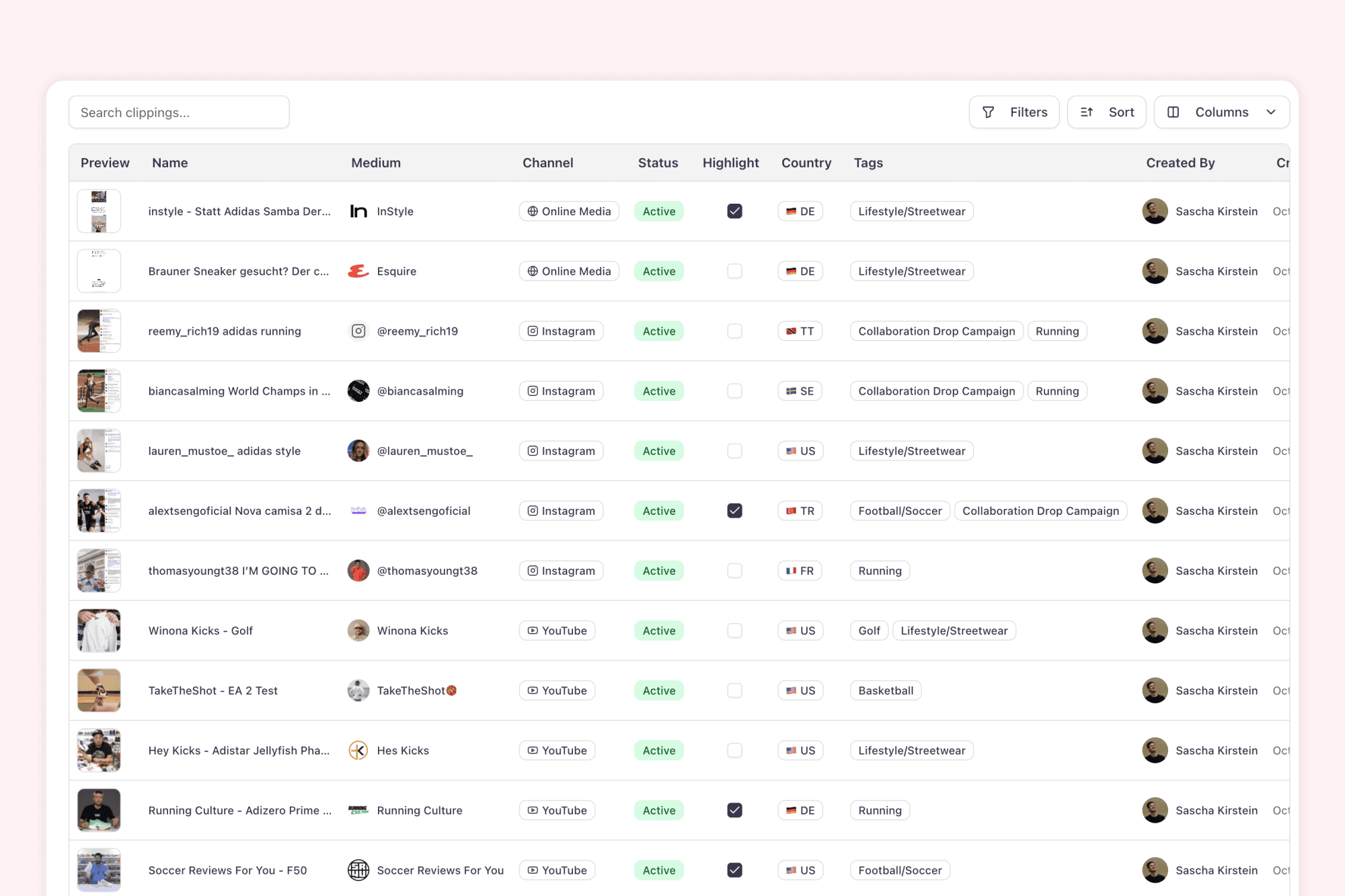
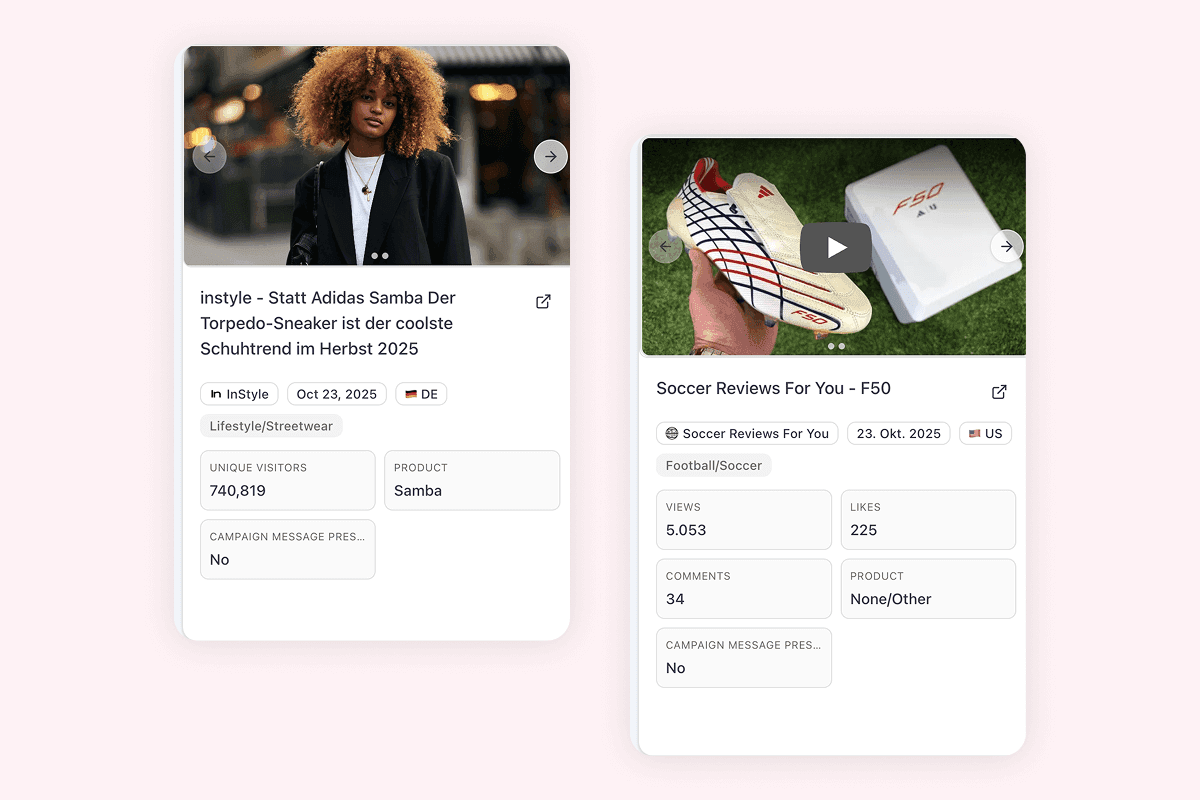
Clippings table in aclipp with entries from multiple sources and channels, including tags, KPIs, and filters

How your clippings get into aclipp

Open to all sources and channels, from media monitoring providers to manual entry.

Connect media monitoring providers & data sources

Connect your media monitoring providers and other sources. From print and online to social, TV, and podcasts. We support imports, feeds, and APIs.
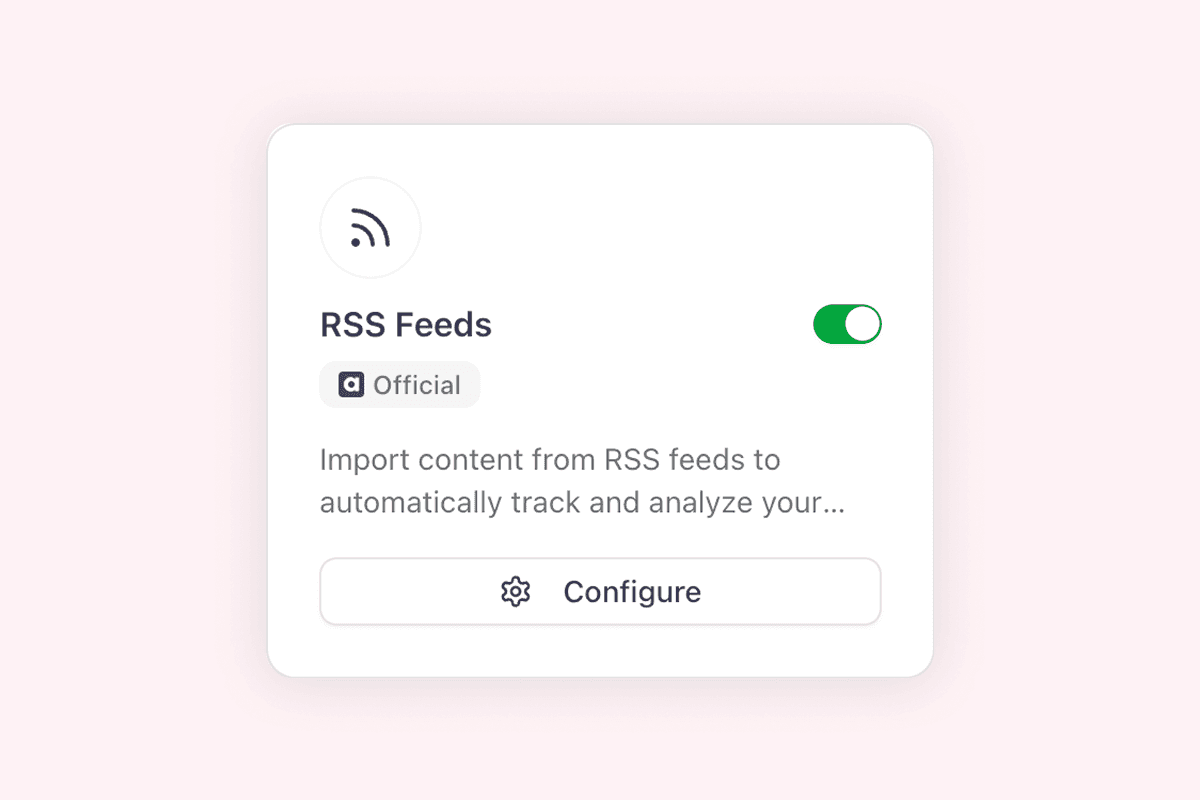
Integrations overview screenshot

Online media monitoring

Beta

Automatically discover new mentions across online sources. Set up keyword-based monitoring and get notified when your brand appears.

Learn more
AI auto-completion filling in clipping metadata in aclipp
AI-powered

Automatic data enrichment

aclipp AI extracts metadata, pulls social engagement metrics, fetches traffic data, and creates outlet profiles. Automatically, for every clipping.
  • Extracts title, author, date, summary, and sentiment
  • Pulls reach, traffic, and social engagement data
  • Creates outlet profiles with domain authority
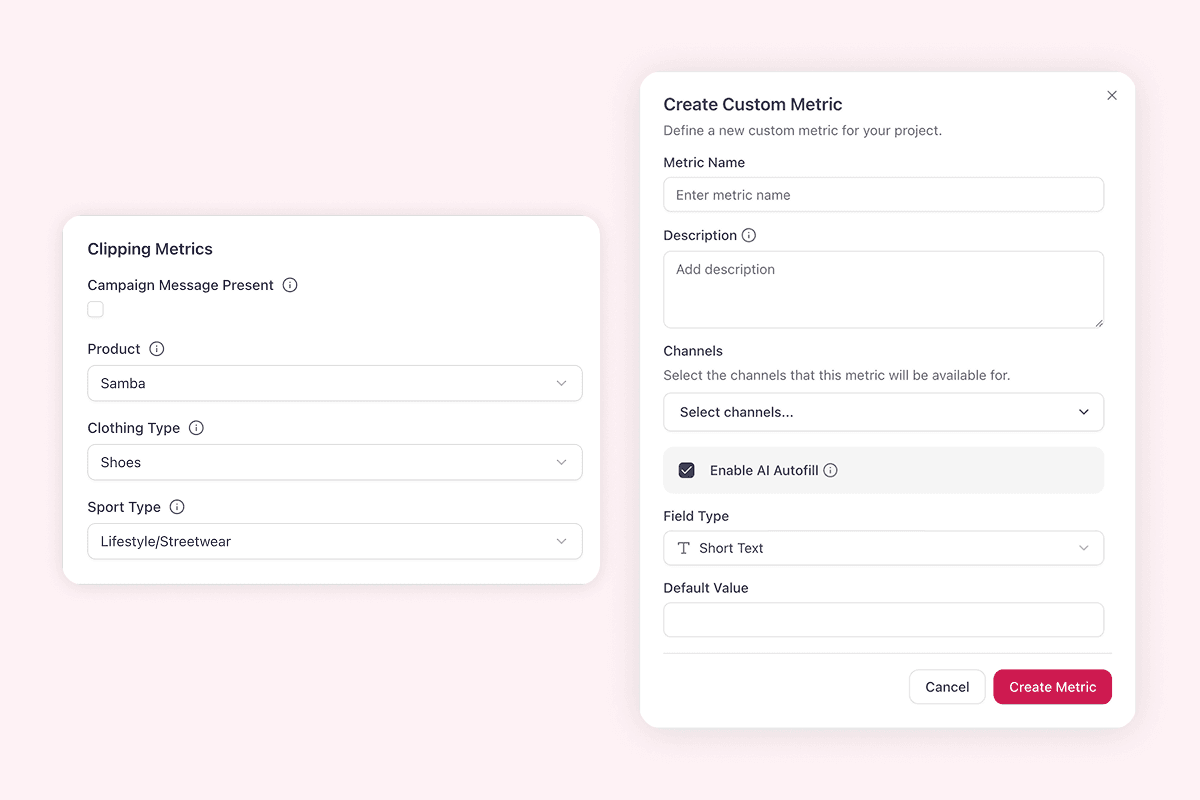
View of custom KPIs in aclipp with automatically populated fields
Custom KPIs

Custom Metrics

Define as many KPIs as you need. AI fills them automatically and keeps data consistent across all clippings.
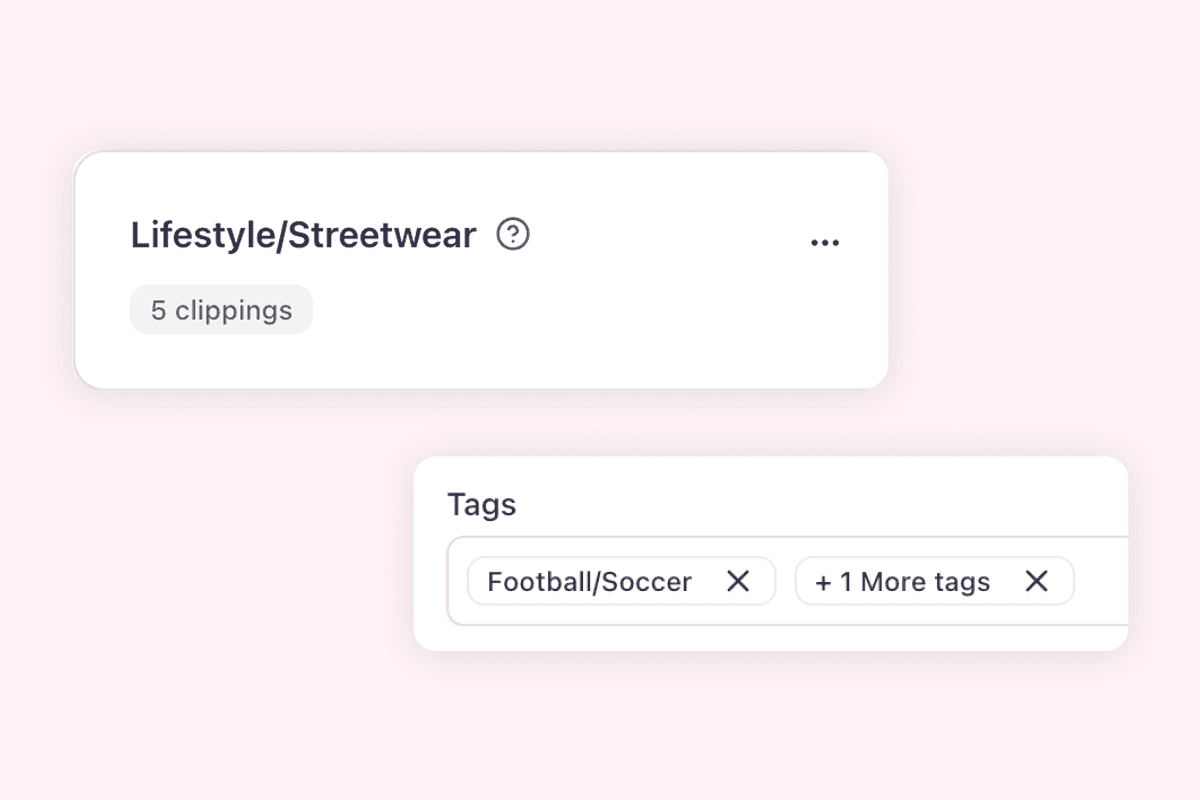
  • Freely definable KPIs per project and client
  • AI-powered calculation for consistent data
  • The foundation for data-driven PR measurement
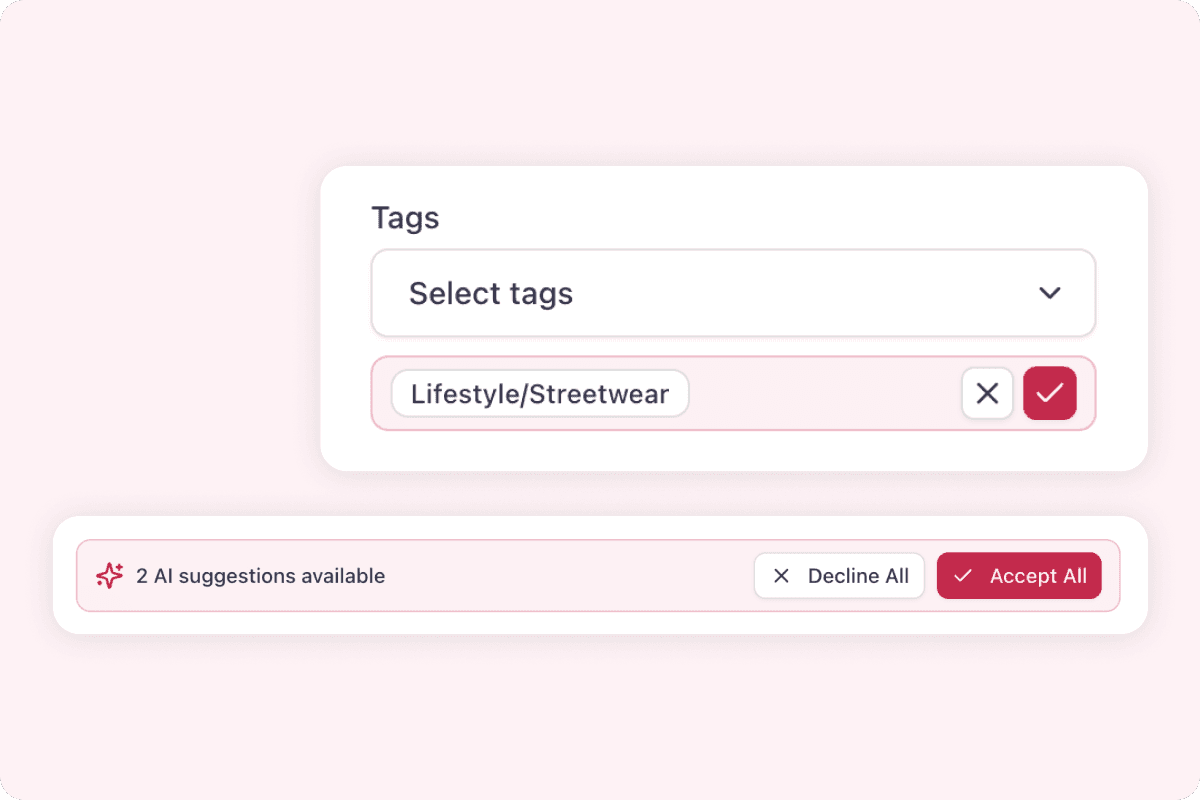
Tagging interface in aclipp with AI-driven suggestions
Organize clippings

Tags

Custom tags for topics, campaigns, audiences, or markets. AI suggests and auto-completes for consistent organization.
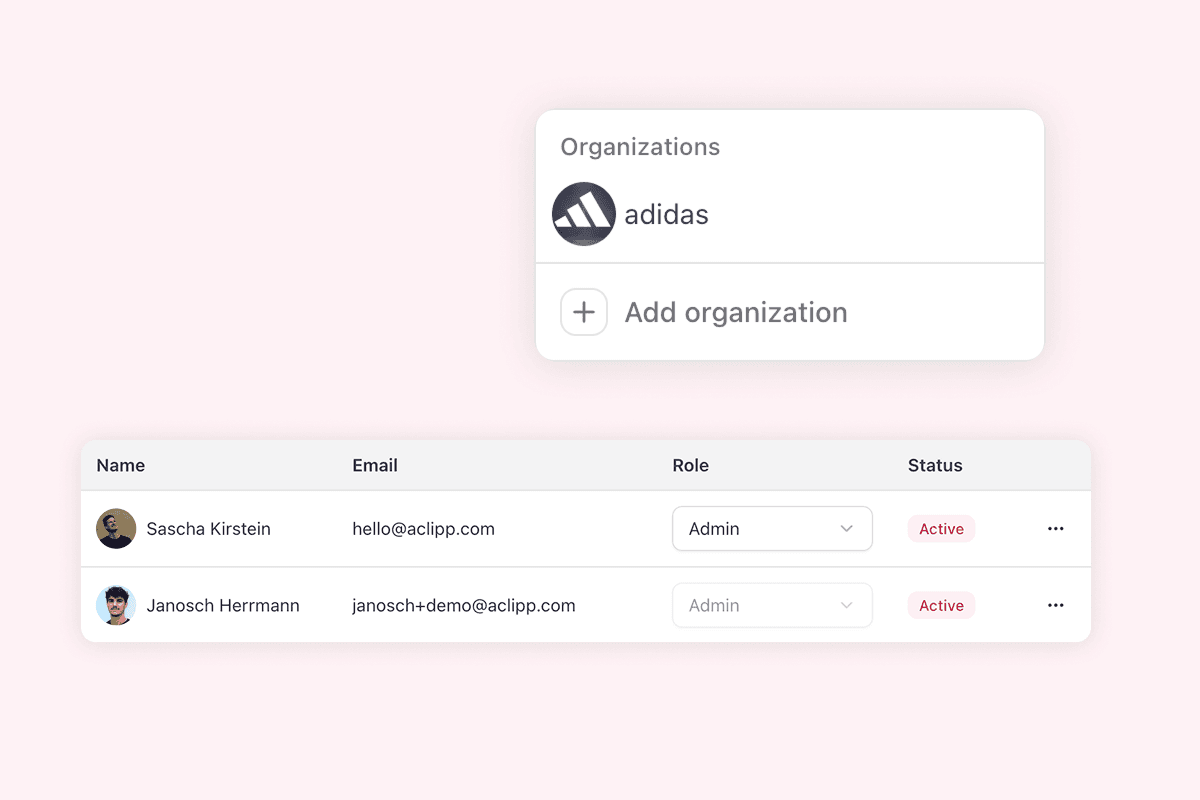
  • Flexible tag structures for campaigns and categories
  • AI suggestions and auto-completion
  • Better filtering, comparison, and reporting
Project and permissions management in aclipp with standardized workflows
Team workflows

Projects & Permissions

Roles, permissions, predefined fields, and consistent workflows. Built for agencies with many clients and in-house teams alike.
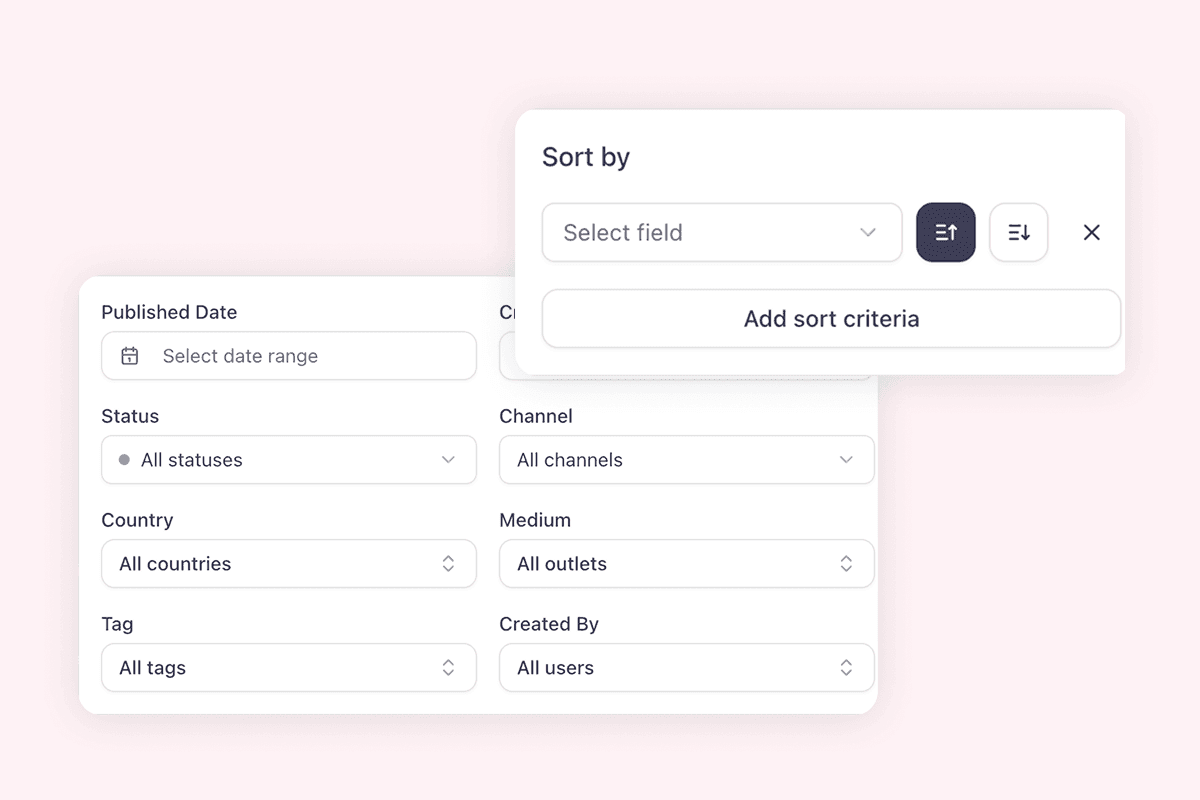
  • Granular roles and permissions for teams
  • Predefined fields and workflows for consistent data
  • Scales across clients, brands, and markets
Search and analytics dashboard in aclipp with filters and trend charts
Find and analyze

Search & Analytics

Filter by source, channel, tags, metrics, and timeframe. Dashboards reveal patterns and trends. Share live views with your team.

  • Precise filters for channels, tags, metrics, and timeframes
  • Interactive dashboards to spot trends and patterns
  • Flexible exports and shareable live reports
/images/testimonials/rose.svg
"aclipp takes a lot of work off our hands and gives us a tool that fits our communication goals, requirements, and internal PR processes perfectly. Whenever we have a question or request for the aclipp team, knowledgeable staff are right there to help."
/images/testimonials/sarah-terweh.jpeg

Sarah Terweh

PR & Content Specialist, ROSE Bikes

/images/testimonials/akp-logo.svg
"Digital world, digital media relations: As an internationally active PR agency, we work cross-media and design a variety of formats. So it’s only logical to take clippings and reporting to the next level and track the KPIs that truly matter for our clients. With aclipp, we’ve found the perfect solution."
/images/testimonials/akp-picture.svg

Ann-Kathrin Pflästerer

Founder & Owner, akp public relations

What you can do with your clippings

Create precise reports in minutes and build dashboards that surface real insights, all directly connected to your clipping data.
Report builder screenshot
Reports in minutes
Brand-consistent reports in under 4 minutes, live-linked to your clippings.
  • Fully configurable sections, elements, and KPIs
  • Export or share as a live link
  • Templates: set up once, reuse in seconds
Explore reports
Analytics demo report screenshot
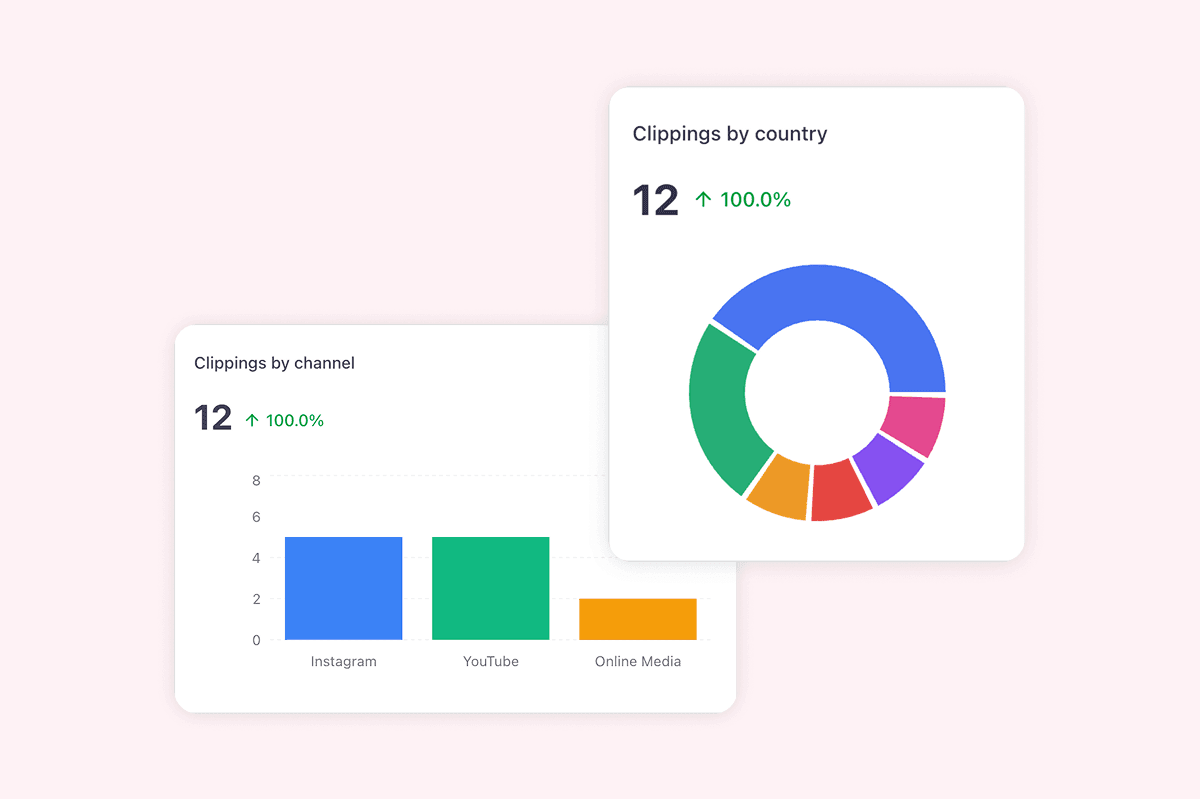
Configurable dashboards
Custom metrics, filters, and trends across channels and projects.
  • Definable widgets, KPIs, and layouts
  • Real-time binding to clippings for up-to-date numbers
  • Share and export for stakeholder updates
View dashboards