Batch File Imports
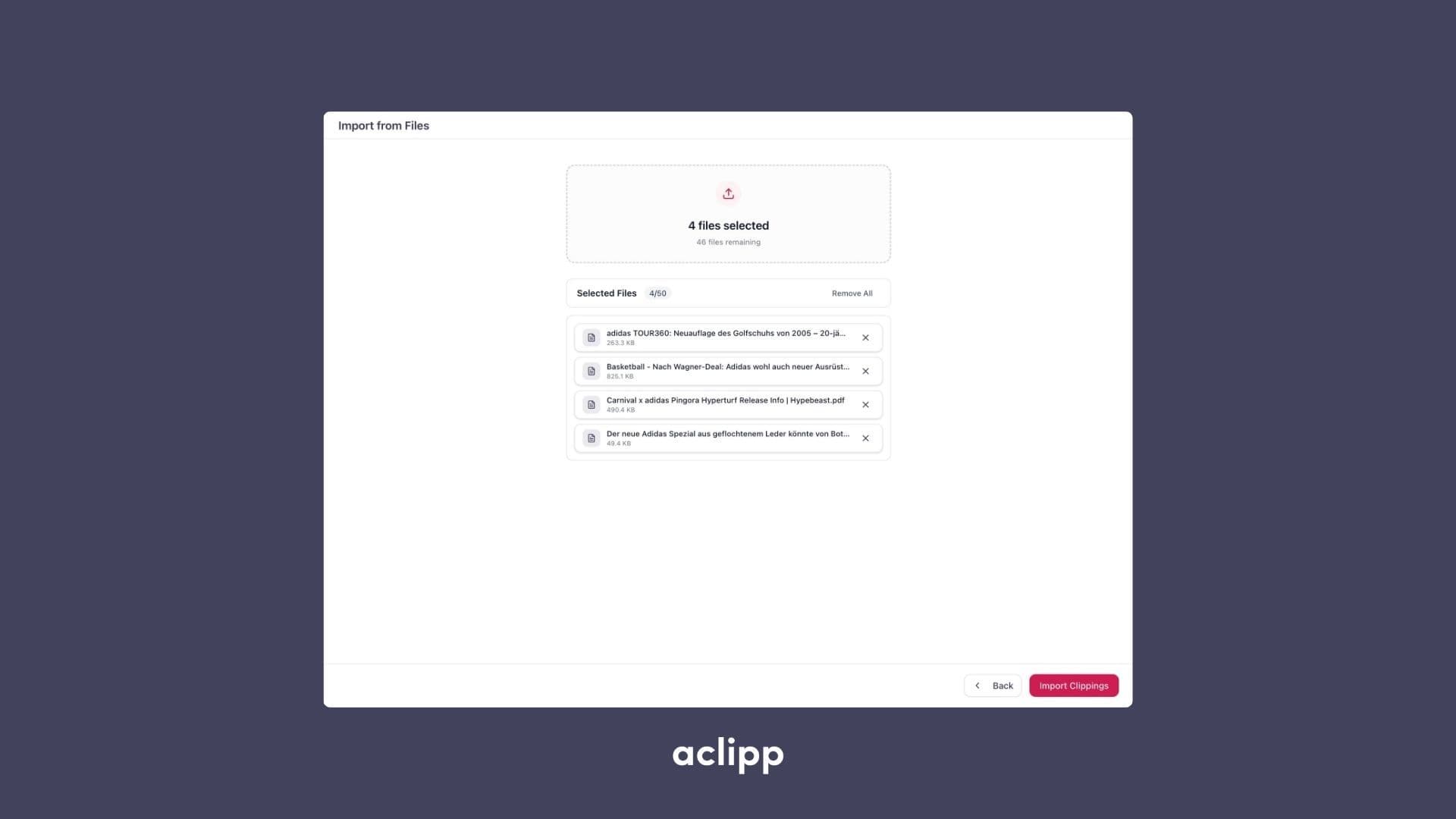

With Batch File Imports, you can now upload several documents at once and instantly convert them into clippings. Whether you’re working with PDFs, images, or mixed file formats, aclipp processes all items automatically and prepares them for reporting and analytics.
How It Works
- Upload one or multiple files in a single action.
- aclipp automatically extracts content, detects relevant information, and generates metadata.
- Each file becomes an individual clipping, ready for validation and use in your reports.
Benefits
- Bulk processing for faster onboarding of press reviews, coverage archives, or client materials.
- Supports multiple file types such as PDFs, JPG/PNG, and other common formats.
- Automated content extraction, including text, visuals, and structured metadata.
- Ideal for agencies and teams who receive coverage packages or file-based monitoring results.
Batch File Imports significantly reduces manual work and ensures that all imported documents follow the same quality and structure within aclipp.