Batch URL Import
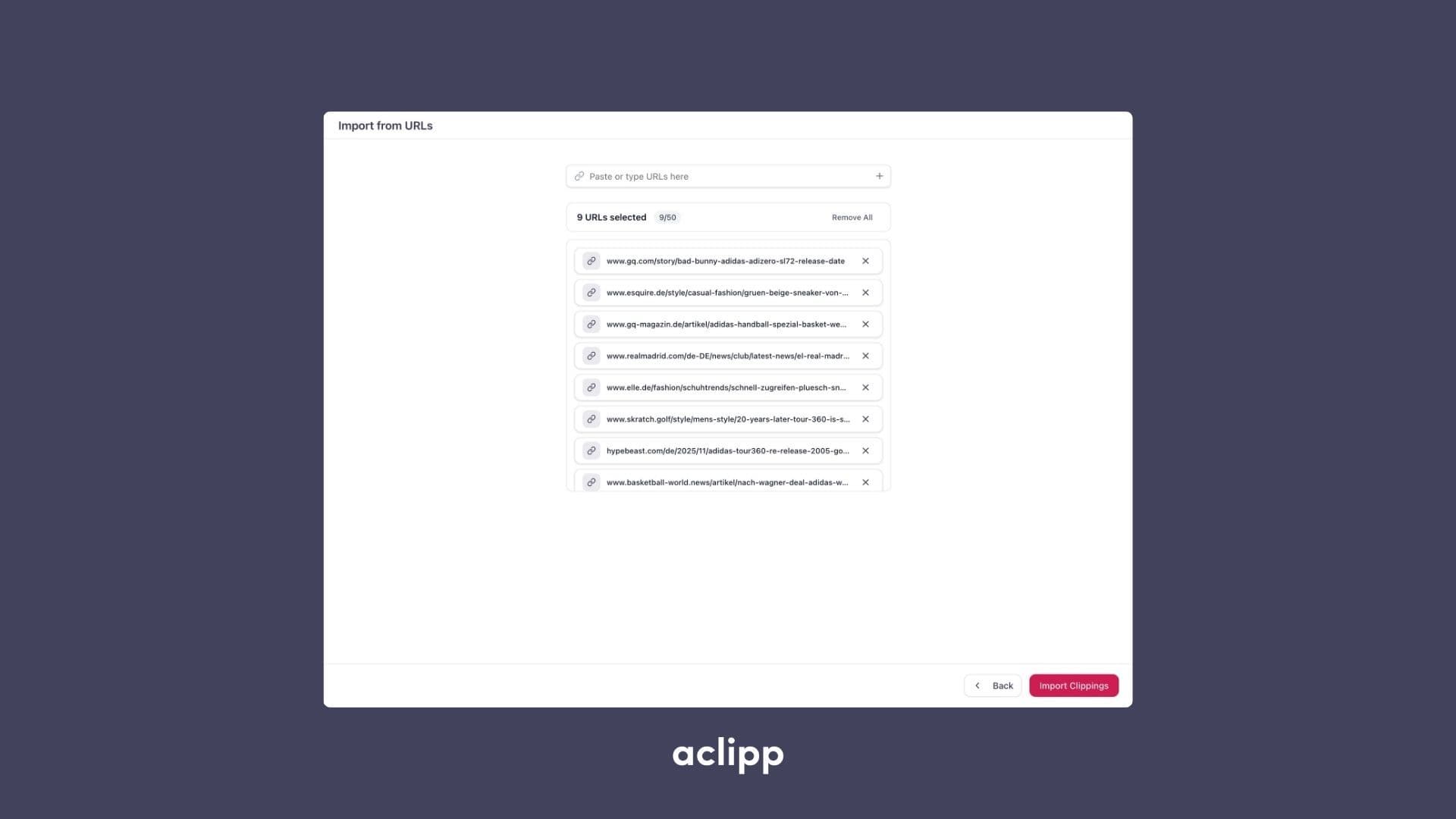

Adding clippings one by one is now a thing of the past. With Batch URL Import, you can insert multiple URLs at once and let aclipp process them automatically. This drastically speeds up your workflow when collecting articles, mentions, or other online content.
How It Works
- Paste a list of URLs into the import field.
- aclipp automatically fetches all pages in the background.
- Each item is processed, analyzed, and turned into a ready-to-use clipping.
Benefits
- Save significant time by importing dozens of URLs in a single step.
- Consistent processing: AI extraction, metadata, and screenshots are generated automatically.
- Perfect for monthly reports, retrospective analyses, or onboarding new projects with large content backlogs.
Batch URL Import helps teams collect all relevant articles quickly and ensures every clipping is created with the same quality and structure.